
The Kamal UI
Deploy, monitor, inspect proxy traffic, stream logs, and roll back production Kamal apps from one native app.
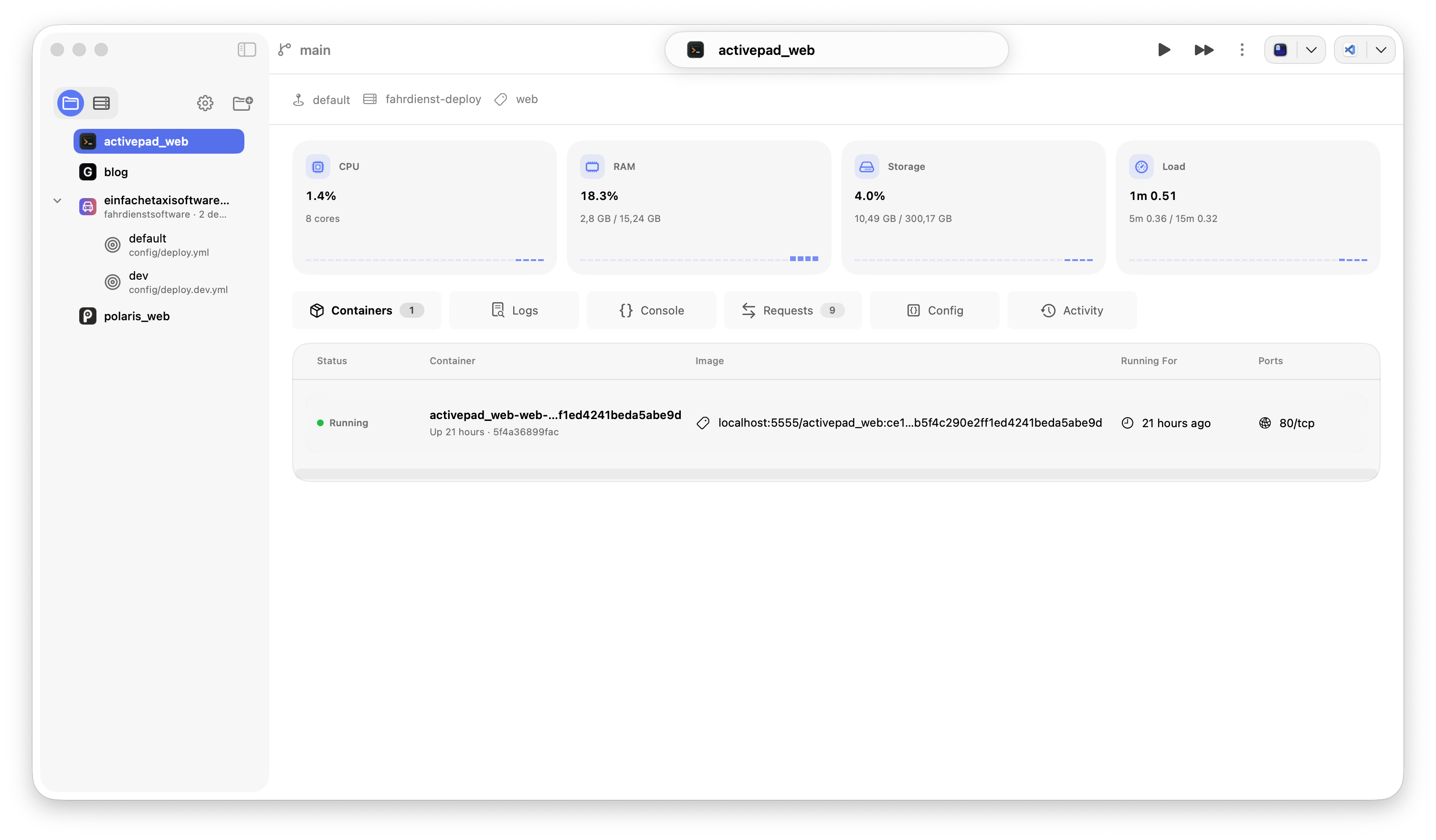
Developer feedback
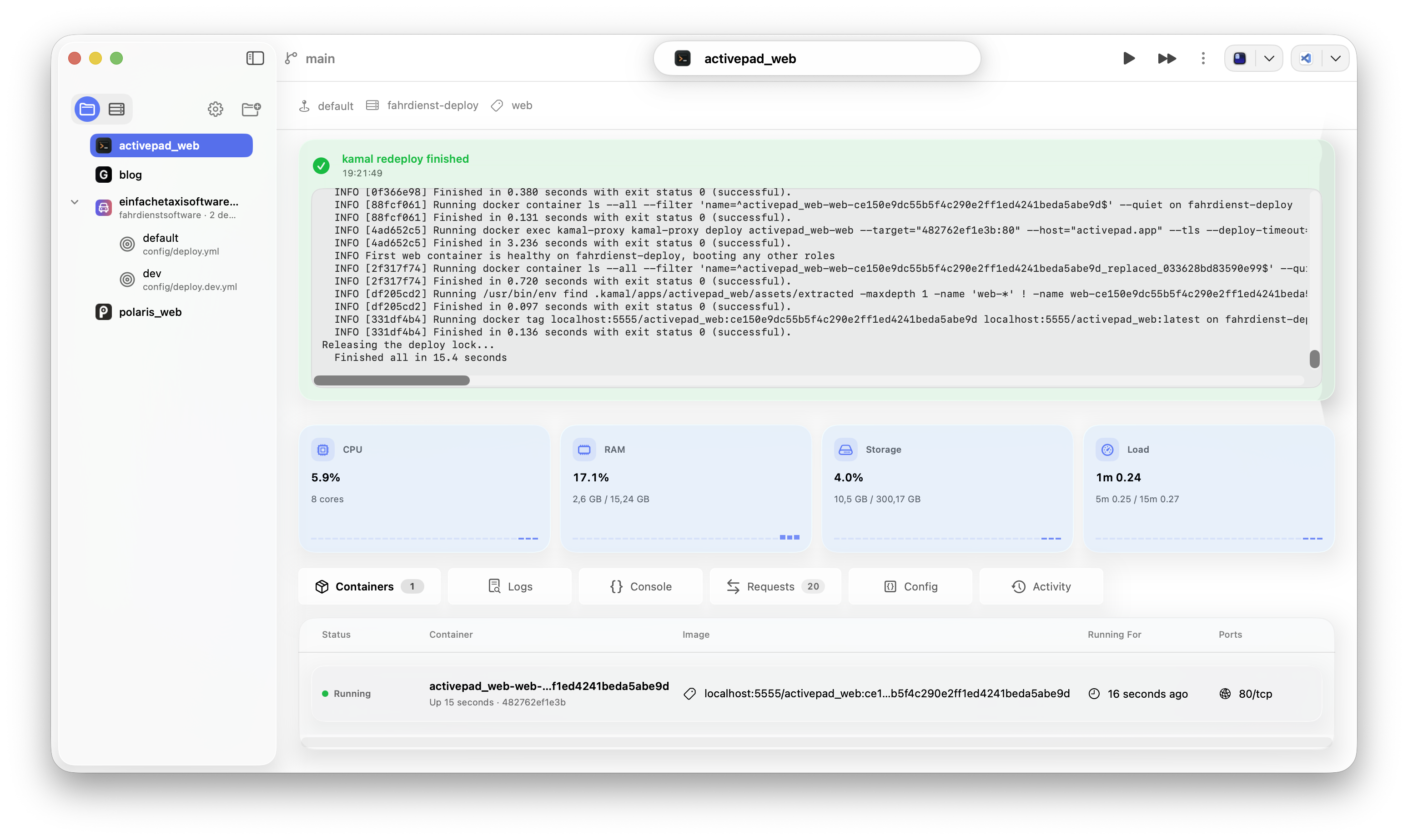
Run Kamal commands from the app.
Start a deploy, keep live command output visible, and stay in the same operational context while containers refresh.
Run Ruby code on remote servers.
Run Ruby code on remote servers without touching your production code or files.
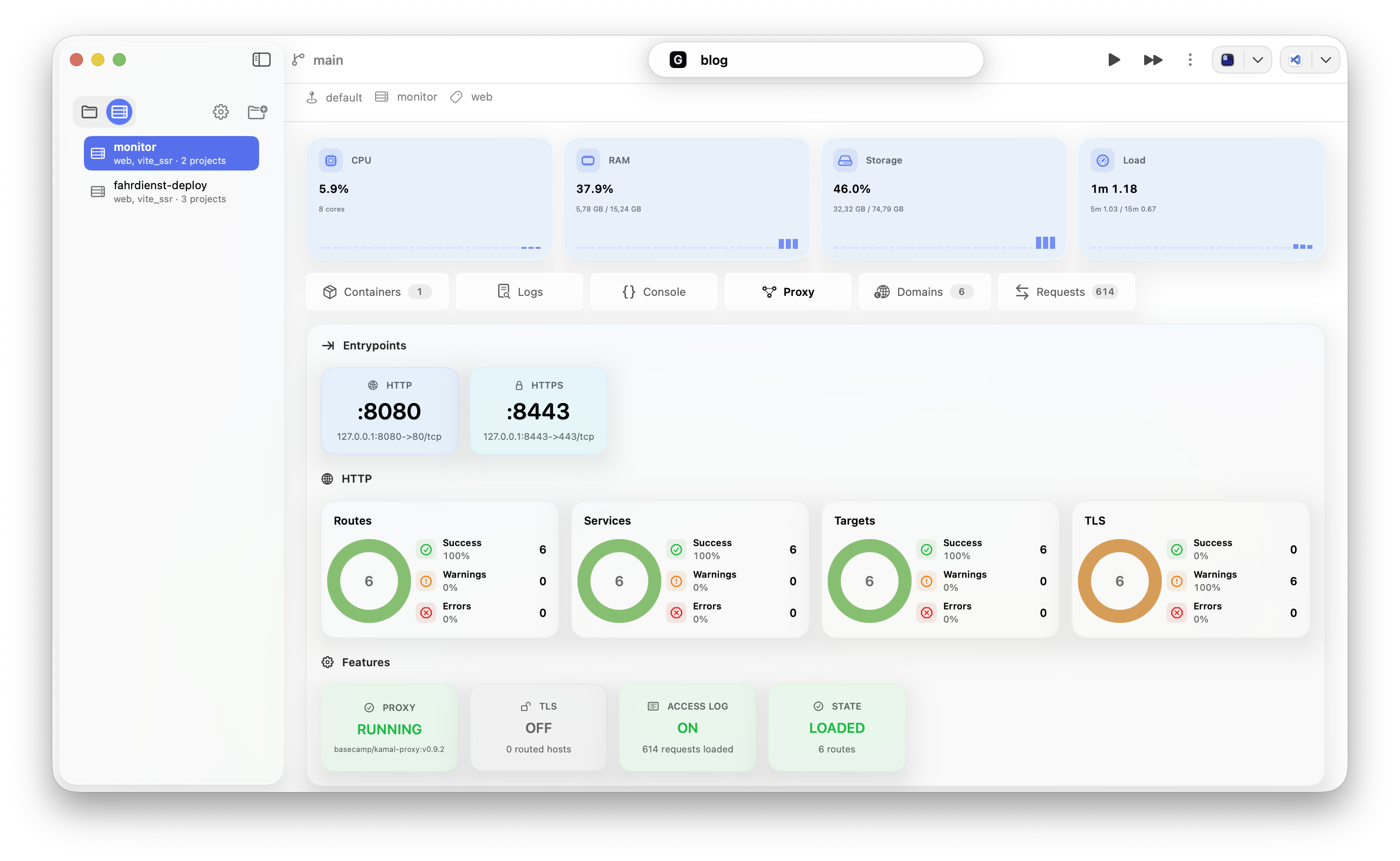
See what kamal-proxy is routing.
Inspect entrypoints, routes, services, targets, TLS coverage, routed domains, and request traffic without digging through server output.
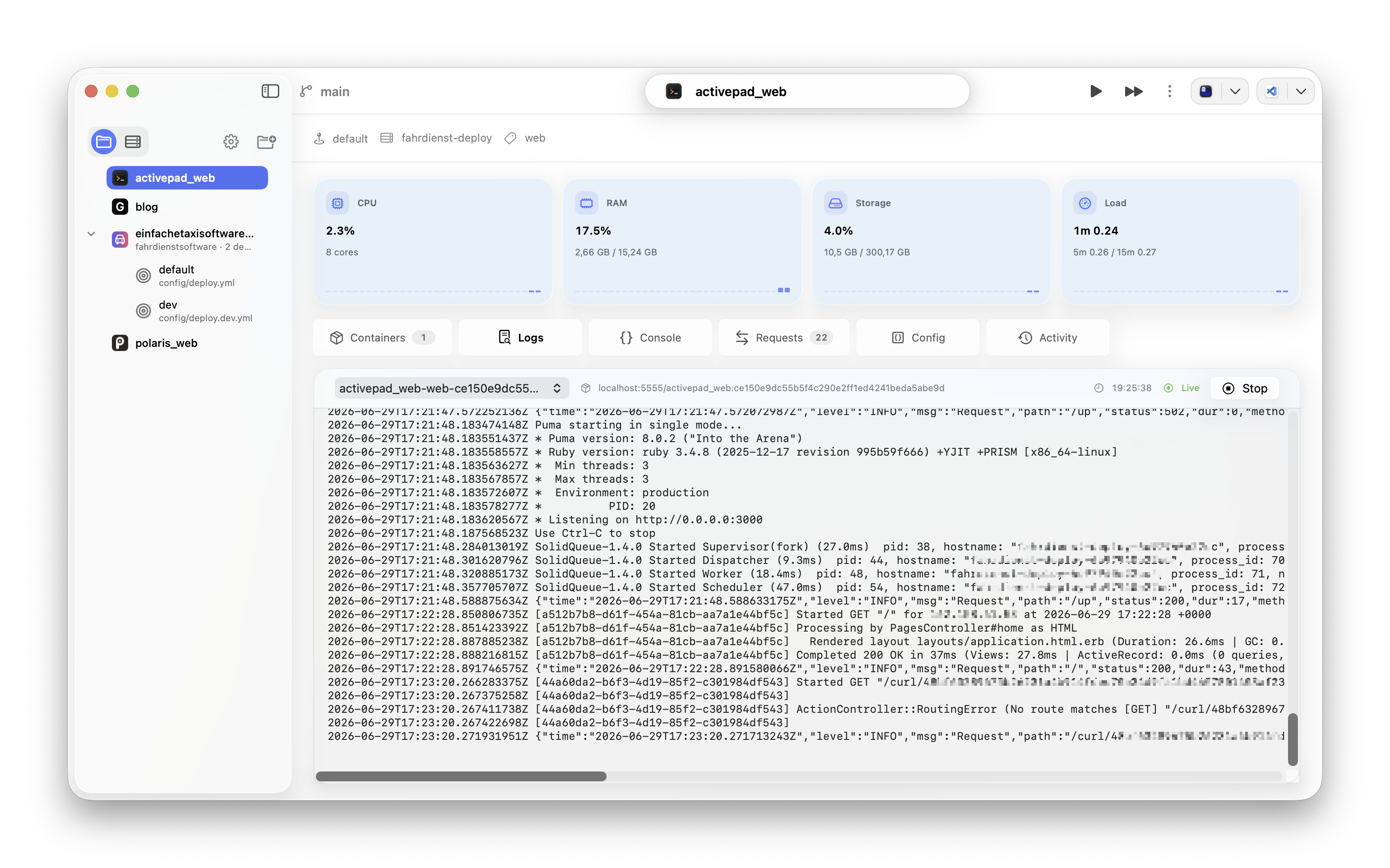
Stream logs where the project already is.
Open a container, follow timestamped output, and keep server load and deployment state in view while production changes.
-
1.
Open your Kamal project.
Point Polaris at a folder with config/deploy.yml or deploy.yml and keep every destination in one native workspace.
-
2.
Run operational commands.
Deploy, redeploy, roll back, open a remote Rails console, and stream Kamal output without switching to a terminal.
-
3.
Review production state.
Inspect containers, proxy routes, routed domains, request traffic, server load, logs, and deploy history while you work.
- Does Polaris replace Kamal?
- No. Polaris runs Kamal and Docker commands for your own project and servers, then makes the operational state easier to scan.
- Does it work with local deploy configs?
- Yes. Polaris reads your local Kamal config, destinations, roles, hosts, accessories, and SSH settings from the project folder you open.
- How many devices can I use with one license?
- One license activates up to two devices.
$29.99. Two devices.
Run Kamal with a focused native workspace instead of a pile of terminal tabs.
Buy Polaris